Plays once, then holds.
About two seconds, then the finished card stays. No distraction when the reader comes back to the thread.
Motion
Most animated signatures loop a wiggle forever. WickBrand choreographs the card once, holds, and keeps your contact lines as real text. Here is exactly how.
About two seconds, then the finished card stays. No distraction when the reader comes back to the thread.
Classic desktop Outlook shows only the first frame of a GIF. We make that frame the complete card, so nothing is ever missing.
Only the identity card and the banner are images. Phone, email and site are HTML, so they are clickable, searchable and readable by screen readers.
Every frame is drawn by our renderer from your brand kit, with your real fonts and photo. No video, no templates stretched to fit.
The same brand kit, four choreographies. Times are seconds from when the email opens; the last frame is where it holds.















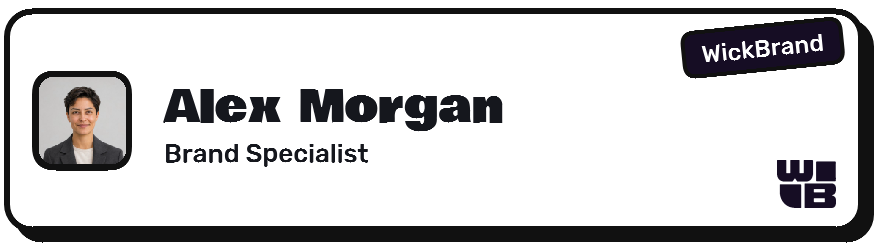






The headline rises, the button pops in, presses once with a ripple, then holds. The whole banner is the link.




| Inbox | Animated card | Web fonts in typed text | Rounded corners |
|---|---|---|---|
| Gmail (web and app) | Plays once, holds | Standard font fallback | Yes |
| Outlook (new, web, Mac) | Plays once, holds | Standard font fallback | Yes |
| Outlook classic (Windows desktop) | Shows the finished card (first frame) | Standard font fallback | Square corners |
| Apple Mail (Mac, iPhone) | Plays once, holds | Yes | Yes |
| Yahoo, Proton, others | Plays once, holds | Standard font fallback | Yes |
Anything inside the animated card is an image, so your fonts and corners always show there, in every inbox.
The card is drawn as a sequence of actors on a timeline: a bar that grows, a mark that pops, a name that rises, a streak that draws. Each look has its own timing and easing. The first frame and the last are the finished card, so the file is safe for inboxes that freeze or block animation.
Build a still signature first, then add motion on its page.
Open the studio