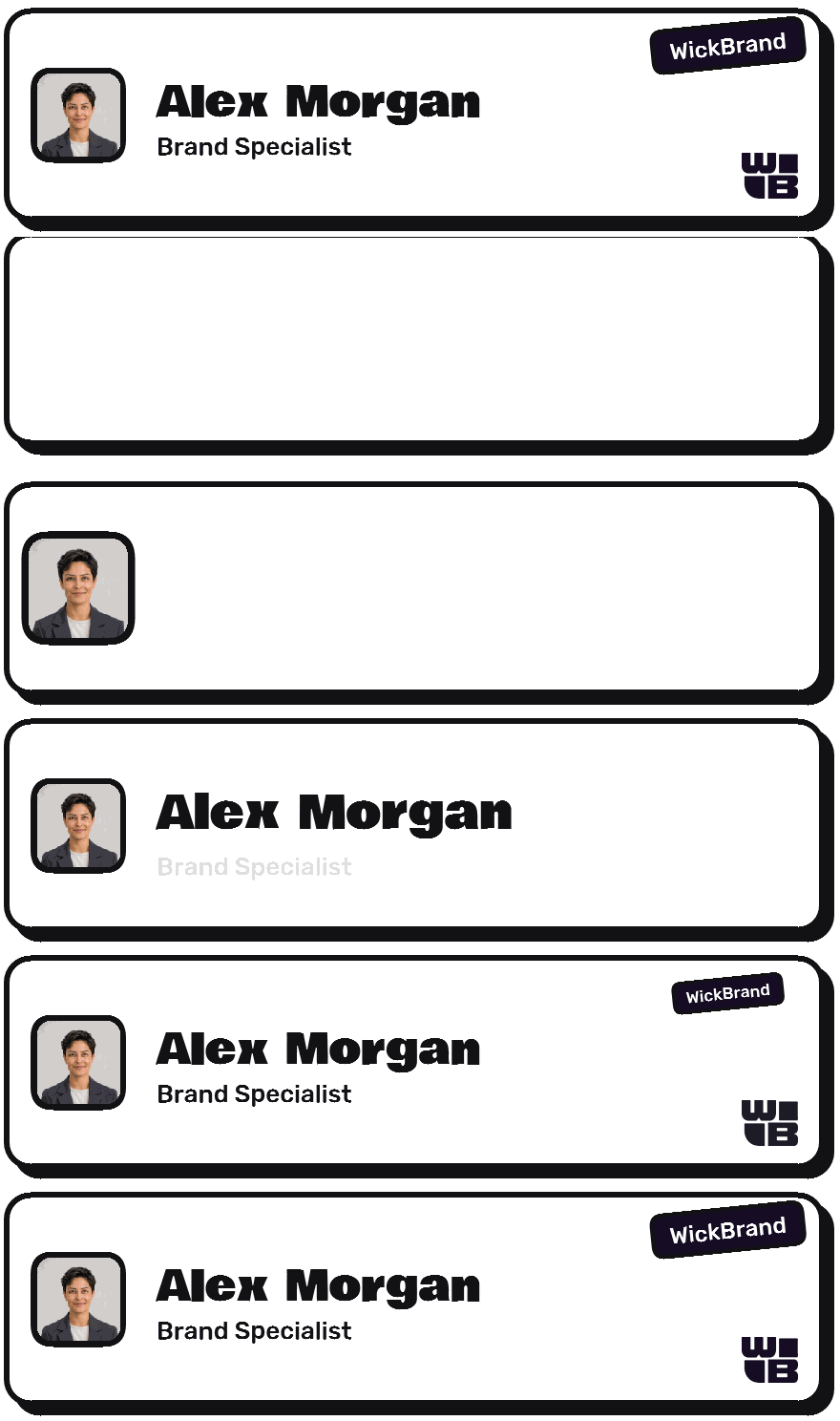



Paste your website
We read the page itself: name, two brand colours, the logo, your social links. No account. No AI guesswork.
What exactly is readEmail signatures that move
Paste your website. WickBrand reads your brand, lays out your signature in one of four looks, and sets it in motion. Into Gmail, Outlook or Apple Mail in a minute.
Most signatures are a name and a phone number. Yours is a brand, and it should move like one.
We read the page itself: name, two brand colours, the logo, your social links. No account. No AI guesswork.
What exactly is readFour looks, five layouts, every thumbnail a live render of your own card. Add a photo, a banner, a QR code that saves your contact.
The four looksOne button copies the signature itself. Paste into Gmail, Outlook or Apple Mail. Motion plays once and holds.
How the motion works Planner Wick
|
| |||||||||
|
| |||||||||
|
| |||||||||
|
| |||||||||
Same name, colours and logo in every one. Each with its own type, corners and its own way of moving.
Rounded, friendly, calm.
The brand bar grows from the middle outward. The mark pops in with a small overshoot. The name rises and fades in.
Look closerBig condensed type, hard colour.
The colour block wipes in from the left. The initials or photo slam into the block. The name wipes across, left to right.
Look closerThick outlines, hard shadow.
The whole card drops in and bounces. The mark pops with an overshoot. The name pops a beat later.
Look closerSerif italic on dark.
A hairline draws across the top. A ring traces around the photo. The name fades up, slowly.
Look closerWhere the photo, logo, links and button sit. All twenty combinations
| |||
| |||
|
Mark, name, chips. Small and quick.
|
| |||||||||
Card with photo, contact rows, button, social rail.
 | Rizwan Prasla Founder Planner Wick |  | |||||
||
Photo, colour bar, details, logo on the right.
| |||
| |||
|
Logo and details, then a promo banner with a button.
Rizwan Prasla Founder | |||||||
| |||||||
Two columns, big button, social row.
No looping wiggle. The card tells its story in about two seconds and stops.
Inboxes that freeze animation show the complete signature, never a blank.
Only the card and banner are images. Phone, email and site stay clickable and searchable.
No video files. Permanent addresses, so a signature pasted today still loads in two years.
Free while we test. No account needed.
Open the studio